
eBooks now in your PC
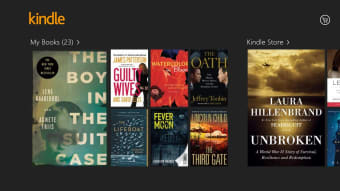
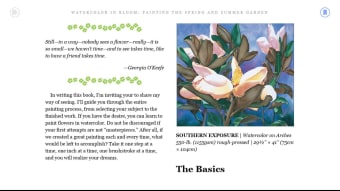
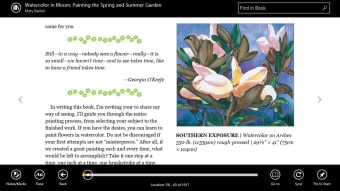
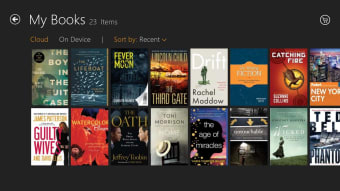
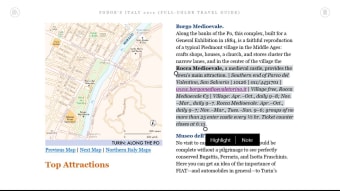
Browse over a million books on your PC for free with Kindle for Windows 10. It’s an innovative digital book reader by Amazon that allows you to purchase, download, read, and even listen to books. All your books can be accessed in your Library. Want to take a pause from reading or save a passage for reference? You can put an unlimited number of bookmarks in any book.
Top Recommended Alternative

Is Kindle cheaper than buying books?
Whether you like it or not, more and more things are being replaced with digital copies. Nowhere is this more true than physical copies of books. In fact, more e-books are published annually than paper-based books. It may not be as pleasurable as holding the copy in your hand, but it is more convenient.
Whether it's a desktop, tablet, or smartphone, you'll have the same books, bookmarks, notes, and highlights in your account. Best of all, digital copies tend to be cheaper than physical books. The Kindle Store offers an extensive e-book library at affordable prices or, if you're lucky, you might even get it for free! It's just goes to show how serious Amazon is about making reading exciting, fun, and accessible.
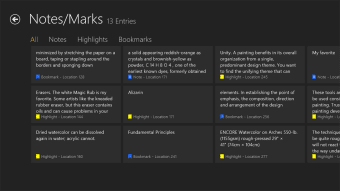
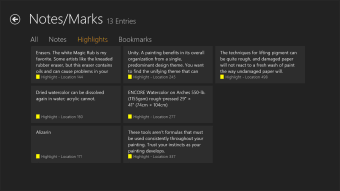
Add bookmarks, notes, or highlighting on one device, and when you move to a mobile device or designated Kindle reader, you'll have them all show up there as well. You'll never lose your place again! Match that with Amazon's extensive library and you'll always have something to read. From obscure indie titles published by unknowns to authors who are household names, the Amazon library is available with the click of a button!
How do I connect my Kindle to my PC via WIFI?
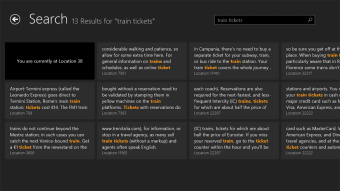
Let's say you finished in a cliffhanger in the last book you read. You have a lot of questions, none of them answered. You can go to the Barnes and Noble nearest you, or you can simply download the next installment in Kindle. With the program’s intuitive search function, you can read your next book right away. Type the author, title, or genre to begin a search.
If you want to discover a similar book, browse through Kindle’s recommendations. Want a friend or colleague to read a specific title? Amazon allows you to loan eligible Kindle books to your friends. Simply send it to their email address where they will have seven days to accept the invite and fourteen days to read the book.
The Kindle desktop app requires a WiFi connection. Without it, you will not be able to annotate your e-books and download new titles. If these limitations are a deal-breaker, look no further than Calibre. It is a free, open-source reader also made for desktop computers. Take your digital library everywhere by transferring them from PC to tablet via a USB cable or Bluetooth.
Millions of books in the palm of your hand
Amazon Kindle for Windows 10 allows users to use their library on more and more devices with ease. Quick searches, recommended reading and competitive prices on books to own mean you'll find what you want fast and get down to the serious task of reading. Download Kindle for PC and start building your electronic library right away.